Free app for Hammerhead Karoo
Put anything on your Karoo screen.
Make ride cards on your phone. Your Karoo shows them as full-screen ride pages — fresh every time it syncs.
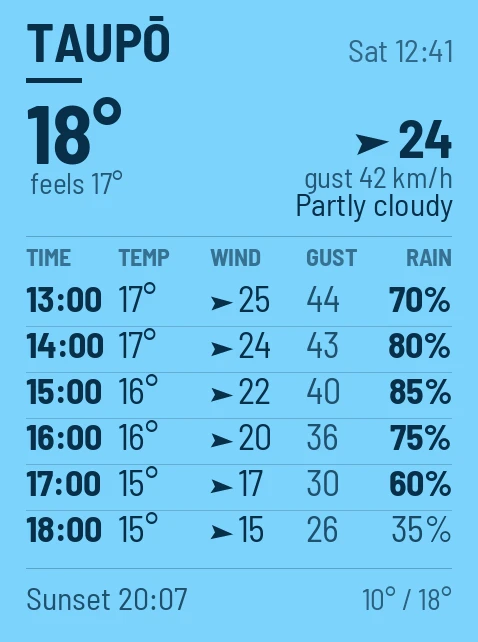
- Live weather
- — drawn fresh at every sync
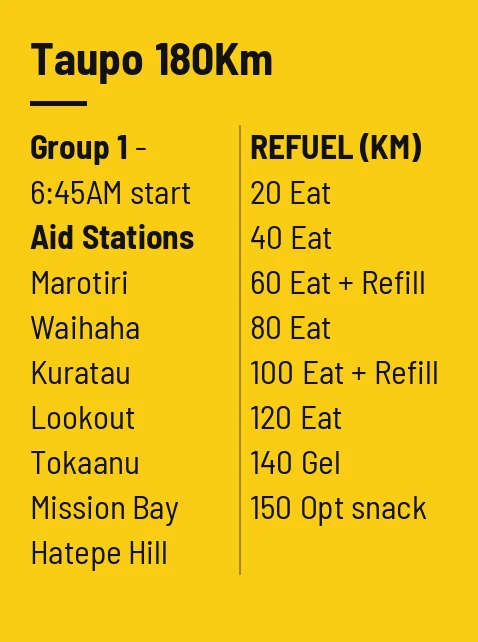
- Race plans
- — two columns, bold what matters
- Controls & cut-offs
- — closing times at a glance
- Rain, hour by hour
- — when it starts, how hard
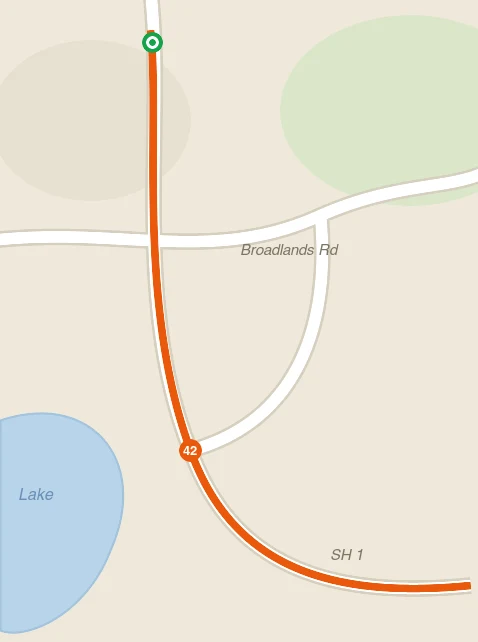
- Wind on a map
- — which roads are into it
- Photos & route maps
- — anything you'd tape to the stem
Your first card is free. Pro unlocks all six — US$10/year.
Already signed up? Log in
See it in action.
From phone to handlebars in under two minutes.
Use cases
Ditch the tape on your stem.
The plan you'd normally scribble on paper, full-screen and readable at 40 km/h.
- Live weather, rain & wind
- A forecast, a rain chart or the wind on a map of your streets — redrawn every time your Karoo syncs.
- Controls & cut-offs
- Two columns made for it — controls against closing times, underline the tight one.
- Race tickets & QR codes
- Screenshot your rego confirmation and flash it at sign-in, straight from your bars.
- Photos & the reason you ride
- The route map, scribbled notes — or a photo for kilometre 140, when you need reminding.
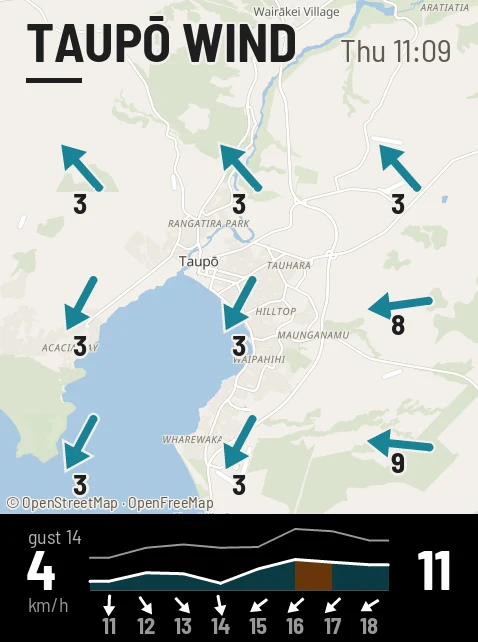
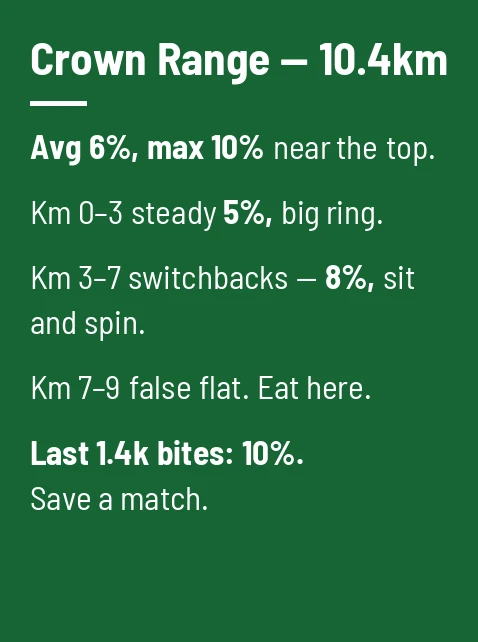
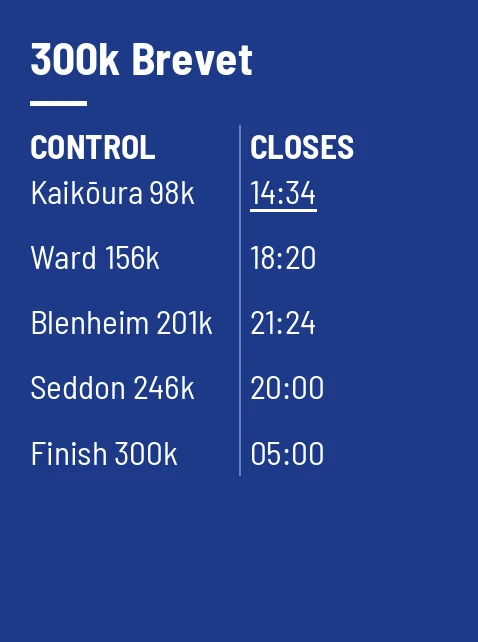
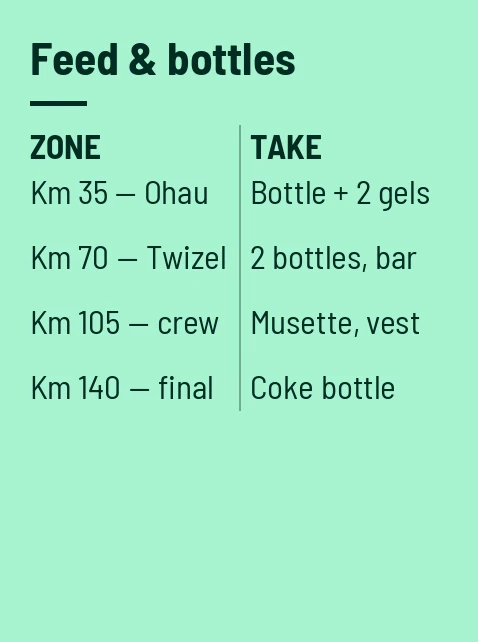
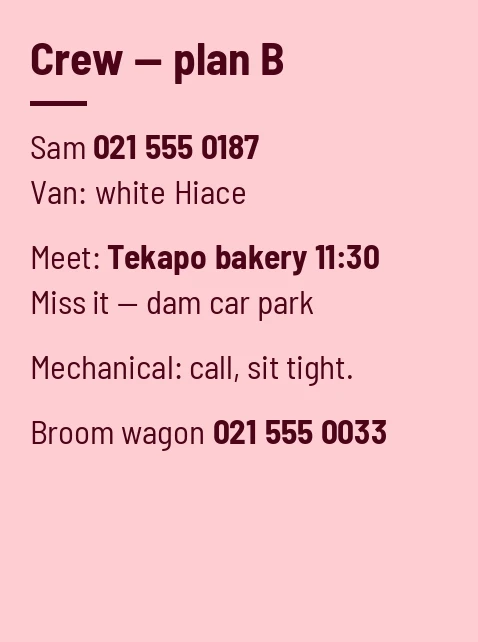
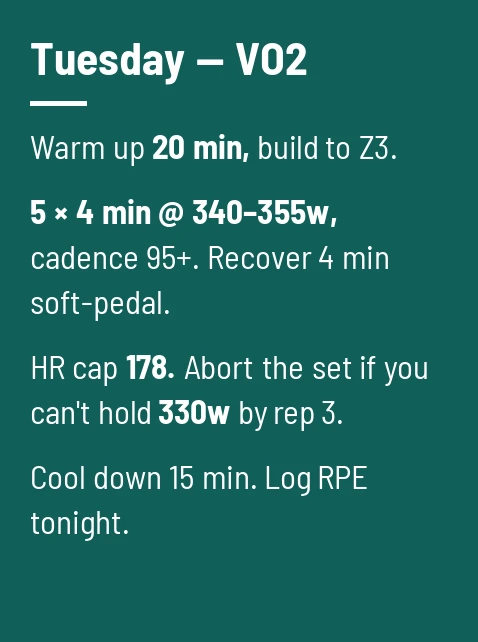
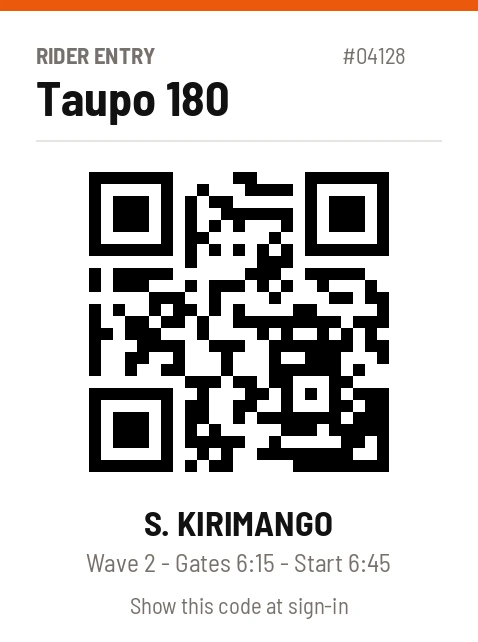
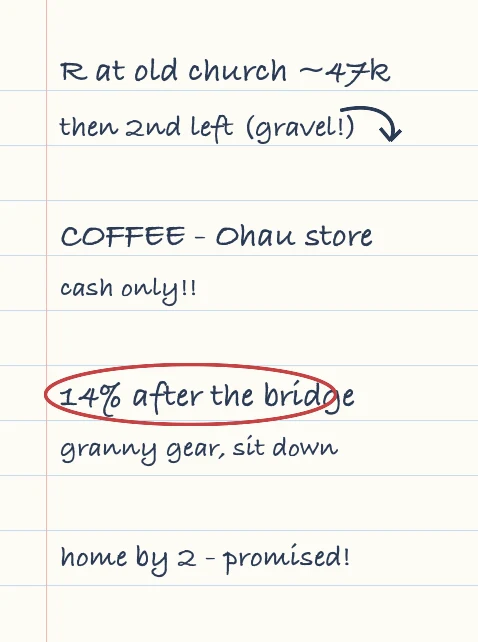
Type a card in 30 seconds in sixteen high-contrast colours, or upload and crop any photo.
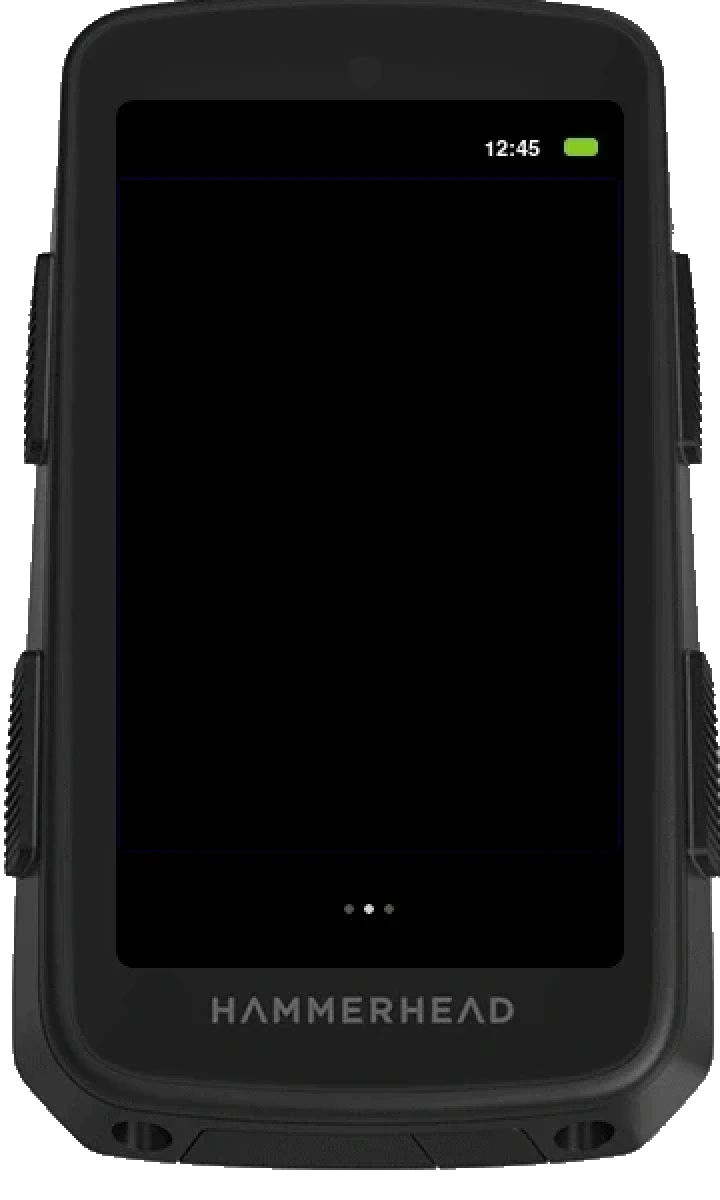
Every card is a ride page — your Karoo cycles through them as you ride.
New · Weather cards, now with a wind map
Live weather, drawn fresh for every ride.
Pick a place and the card keeps itself current: every time your Karoo grabs your cards it gets a freshly drawn forecast — conditions now, then hour by hour the three things that change a ride: temperature, wind and rain.
The rain card answers the question the overview only hints at — when it starts and how hard it gets. The wind map puts the wind on a map of your streets — which way it's going, how hard, and the next eight hours charted underneath — so you know which roads are into it before you roll out. Make all three for one place and your Karoo cycles between them as you ride.
Every card is stamped with when it was drawn, so stale numbers can never pass themselves off as fresh.
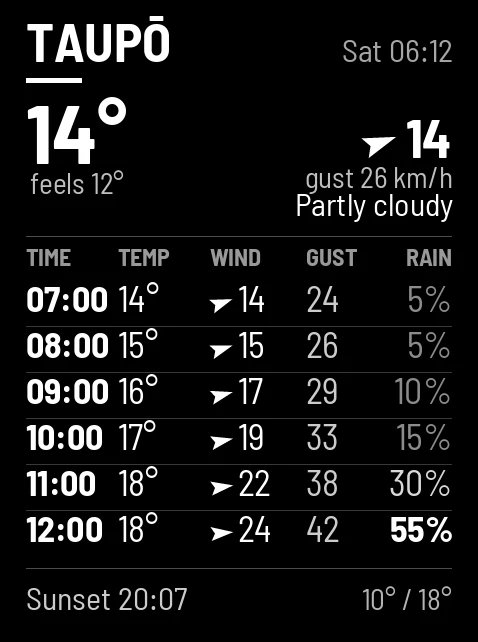
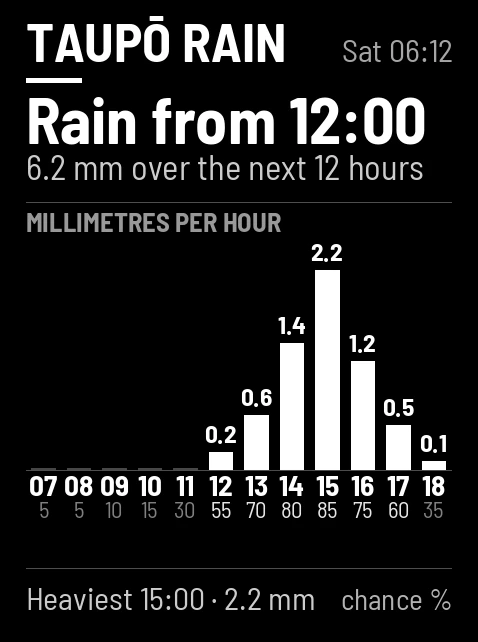
One place, three layouts — overview, rain and the wind map.
Free · Start screens
Make the start screen yours.
RideCards doesn't stop at ride pages. Pick any photo — the family, the gorge, last summer's tour — and it becomes your Karoo's start screen, panning behind your ride profiles as you swipe.
Included free with every account, alongside your first card.
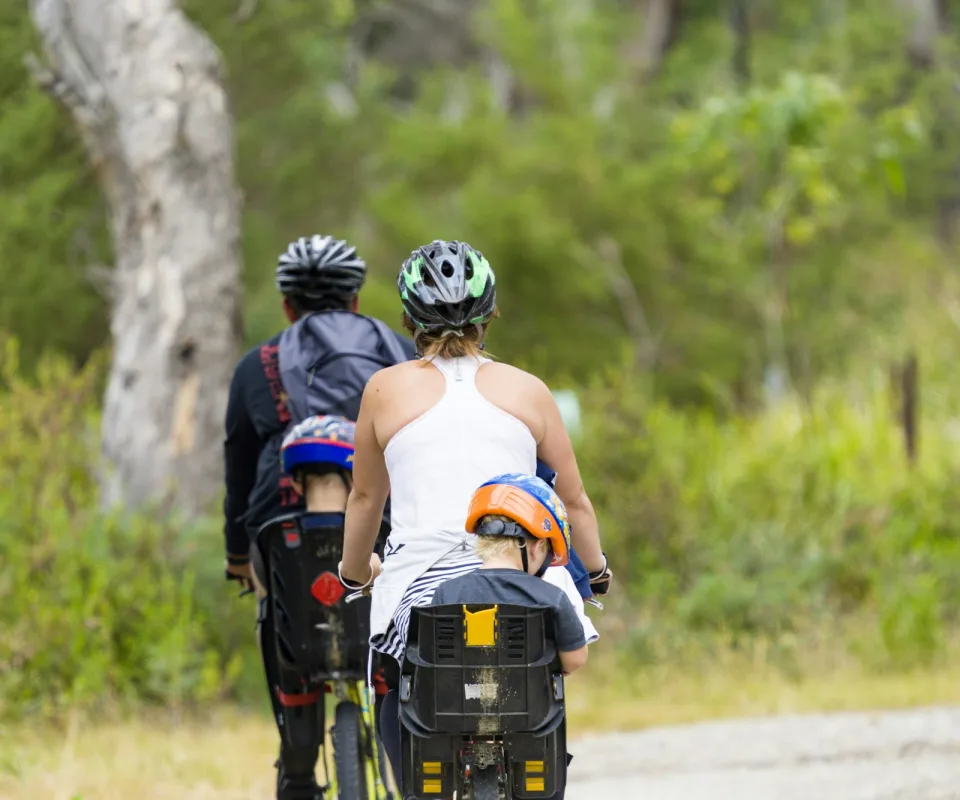
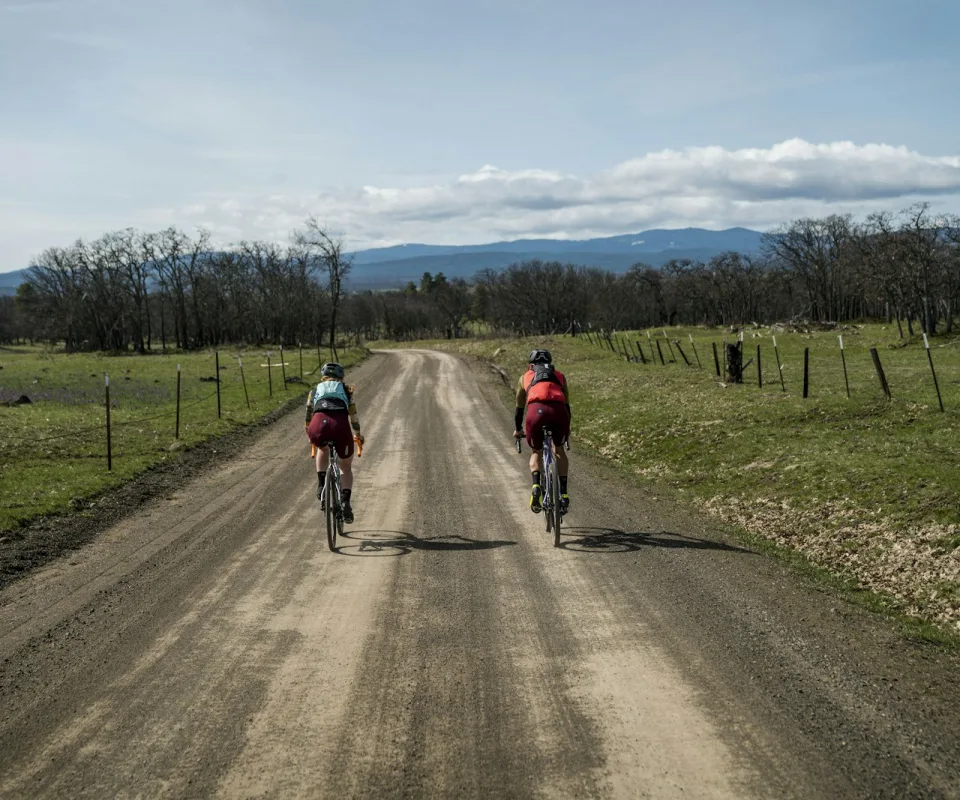
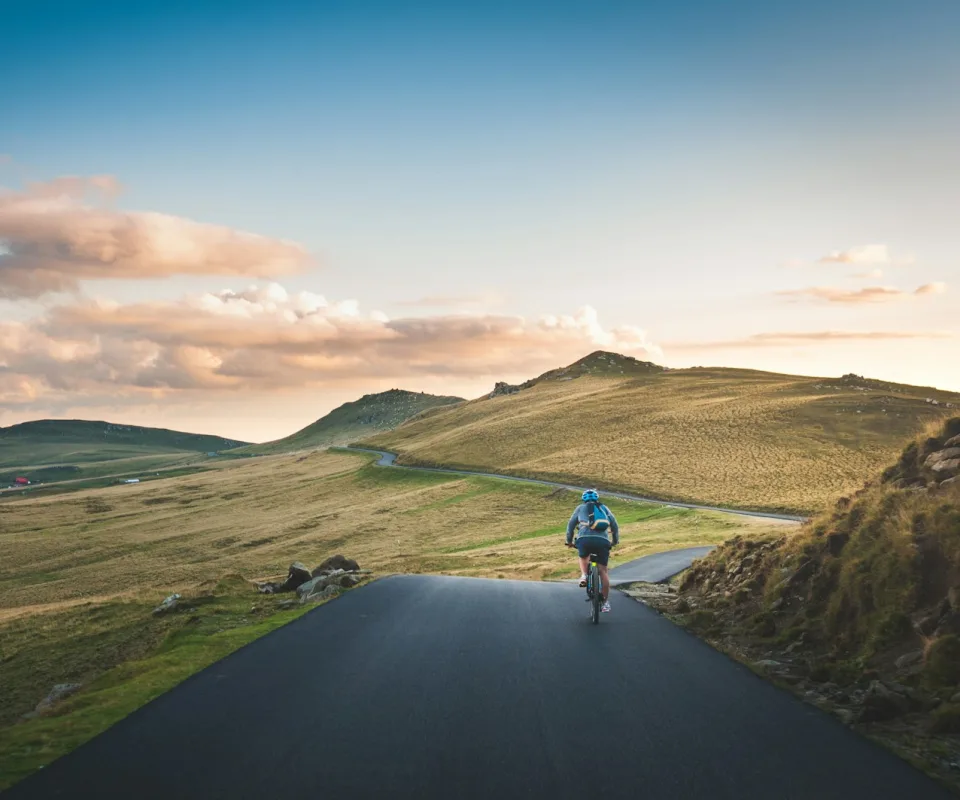
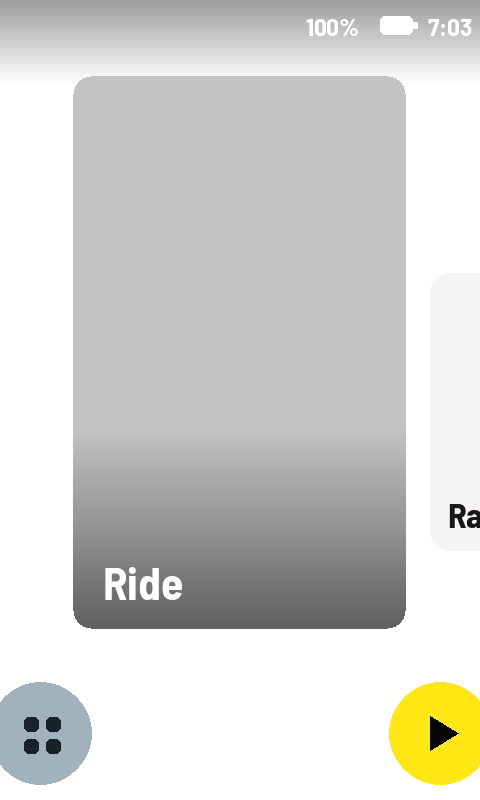
Any photo, straight from your phone.
How it works
Right there in your ride screens.
-
1
Every card is a ride page. Flip to it like any data screen, or let auto-cycle rotate through your cards as you ride.
-
2
Edit from your phone, anytime. Change the plan the night before — your Karoo grabs the latest cards before you roll out.
-
3
Pairing takes ten seconds. Scan the QR code on the Karoo's screen and you're connected.
One plan, every rider's screen.
Pro syncs your account to every Karoo paired to it. Organising a gran fondo? Coaching a squad? Update the feed-zone card once and it lands on the whole group's handlebars.
All six card slots · every Karoo you own · US$10/year
Pairing a Karoo? Just scan the QR code on its screen.
Don't have the app yet? Get RideCards for your Karoo.