Free app for Hammerhead Karoo
Make the Karoo start screen yours.
Out of the box, every Karoo looks the same. Pick any photo on your phone — the family, the gorge, last summer's tour — and it becomes your start screen, panning behind your ride profiles as you swipe.
No cable, no file manager. Crop it on your phone; your Karoo picks it up over the air. Included free with every account, alongside your first card.
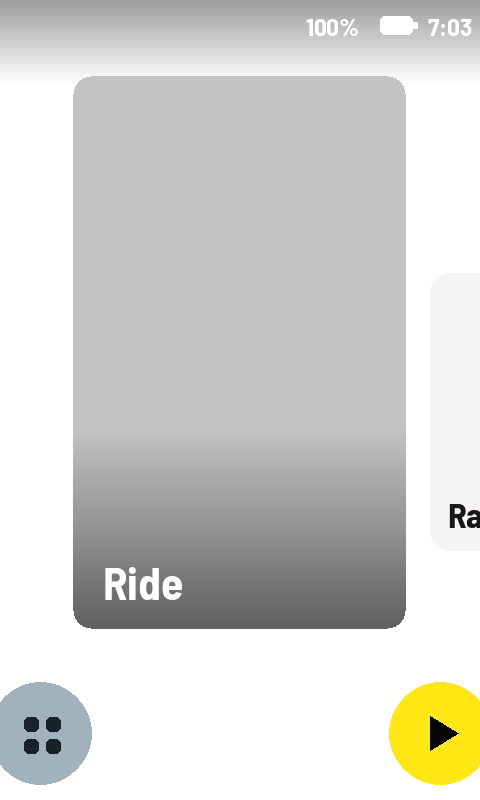
Three riders, three start screens
The photo pans behind your ride profiles as you swipe — here's the same launcher wearing three different days.
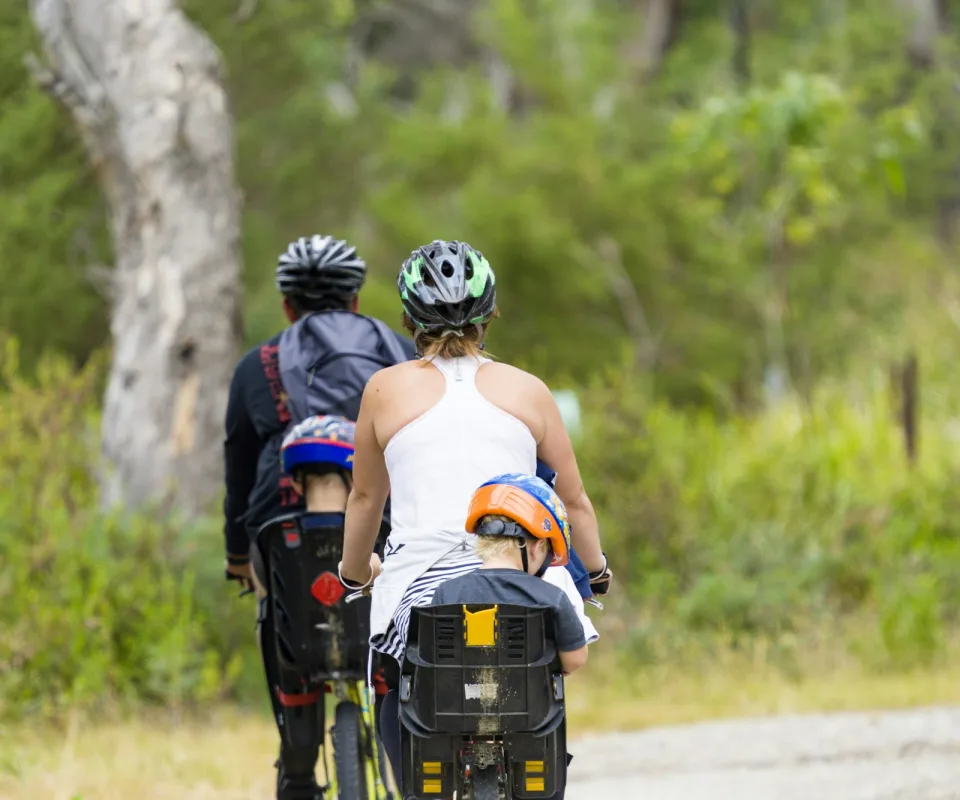
The family ride
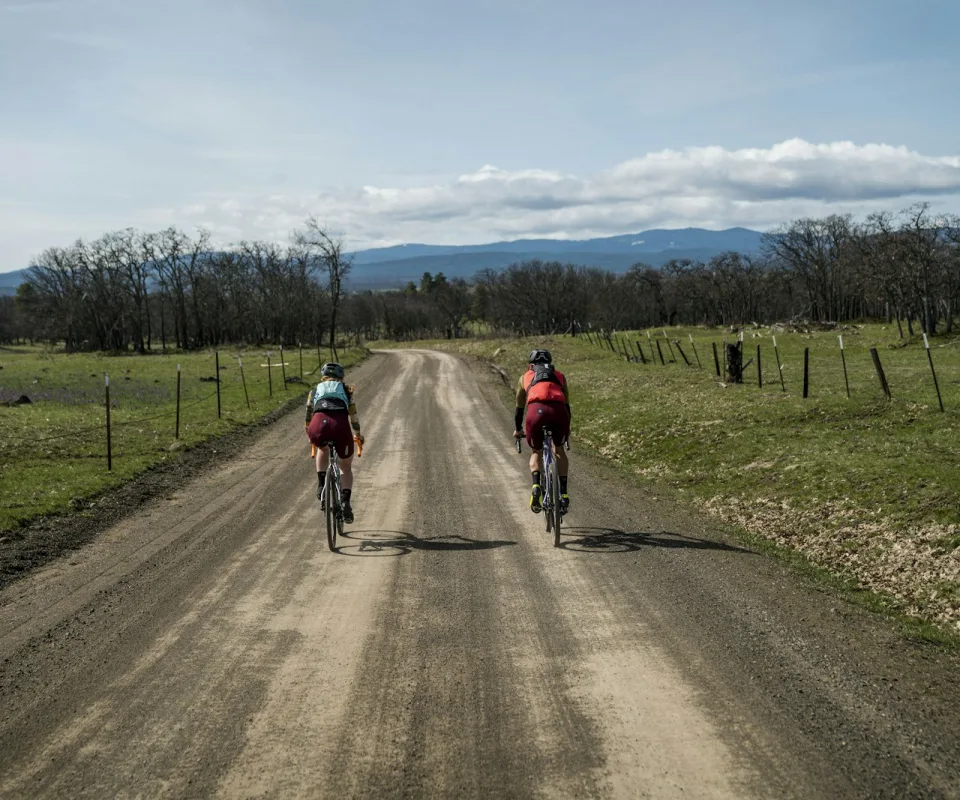
The local gravel
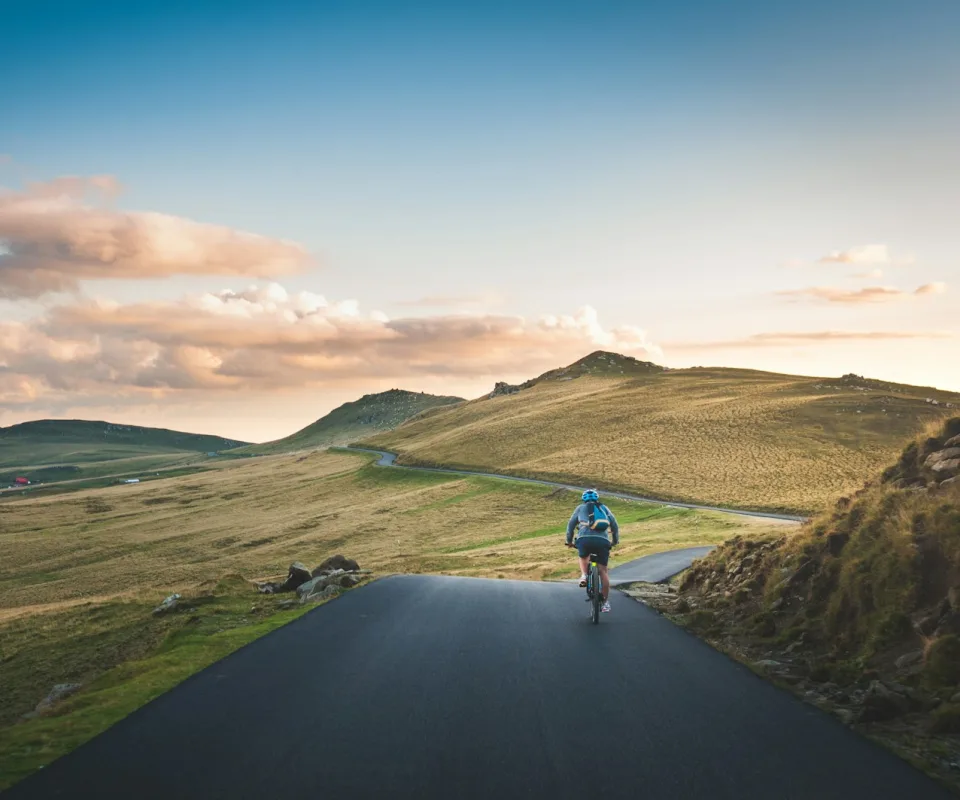
Last summer's tour
Set it up in two minutes
-
1
Pick a photo on your phone. Anything in your camera roll — crop it right there.
-
2
Your Karoo grabs it. The new start screen lands over the air at the next sync.
-
3
It pans as you swipe. The photo drifts behind your ride profiles, the way the launcher was meant to look.
Questions
- Can you change the Hammerhead Karoo's start screen?
- Yes. RideCards lets you pick and crop any photo on your phone; it becomes your Karoo's start screen, panning behind your ride profiles as you swipe.
- Does a custom start screen cost anything?
- No — start screens are included free with every RideCards account, alongside your first card.
- Do I need a computer to set it up?
- No. Everything happens on your phone — pick the photo, crop it, done. Your Karoo picks it up over the air the next time it syncs.
More things riders put on their Karoo
Don't have the app yet? Get RideCards for your Karoo.