Free app for Hammerhead Karoo
One page per climb.
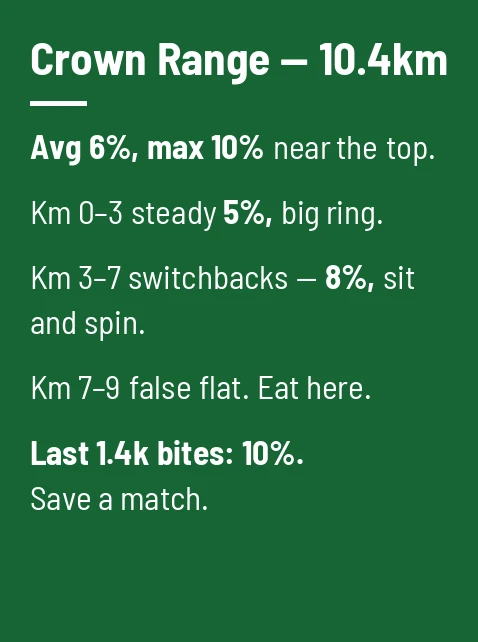
One page per climb: distance, average gradient, and the part nobody warns you about — where it actually bites.
Sixteen high-contrast colours; give each climb its own so you always know which page you're on.
Make one in 30 seconds
-
1
Make the card on your phone. Type it in sixteen high-contrast colours, or upload and crop any photo.
-
2
Your Karoo grabs it. Cards come down over the air at every sync — change the plan the night before, roll out with the latest.
-
3
It's a ride page. Flip to it like any data screen, or let auto-cycle rotate through your cards as you ride.
Questions
- Can I make a card for each climb?
- Yes — you get six card slots with Pro (the first is free). Riders use one card per decisive climb, each in a different colour so the page is recognisable at a glance.
- Can I put the climb profile image on the card?
- Yes — upload and crop any image, including a screenshot of the profile from your route planner.
More things riders put on their Karoo

Get your first card free
Don't have the app yet? Get RideCards for your Karoo.