Free app for Hammerhead Karoo
Sign in from your handlebars.
Screenshot the confirmation email, crop the QR code, make it a card. At sign-in you flash your bars instead of digging for a phone with cold fingers.
Works for anything scannable — rego confirmations, ferry tickets on tour, the campsite gate code.
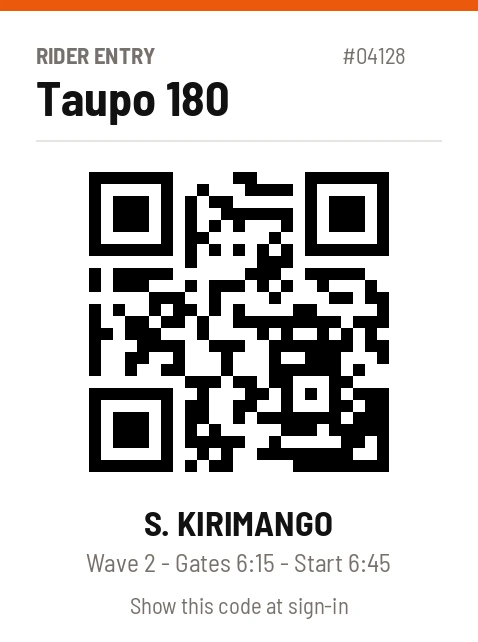
Make one in 30 seconds
-
1
Make the card on your phone. Type it in sixteen high-contrast colours, or upload and crop any photo.
-
2
Your Karoo grabs it. Cards come down over the air at every sync — change the plan the night before, roll out with the latest.
-
3
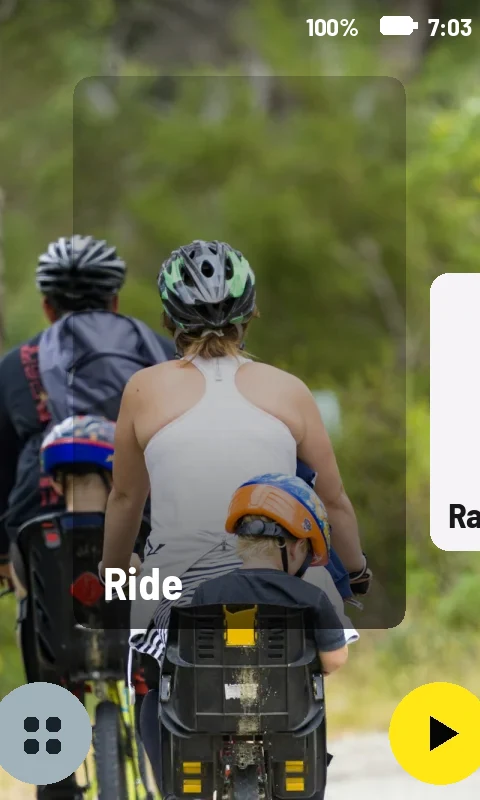
It's a ride page. Flip to it like any data screen, or let auto-cycle rotate through your cards as you ride.
Questions
- Can a scanner read a QR code off the Karoo's screen?
- Yes — the screen is bright and sharp, and cards render full-screen. Crop the screenshot so the code fills most of the card.
- What else do riders put in this slot?
- Ferry tickets, gate codes, the hotel booking reference — anything you'd otherwise dig a phone out for.
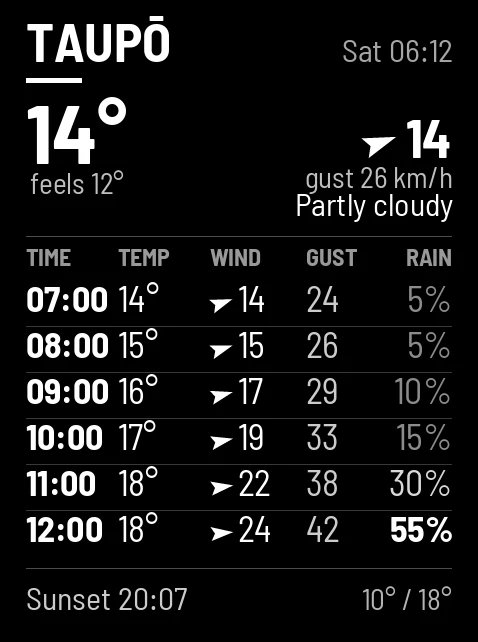
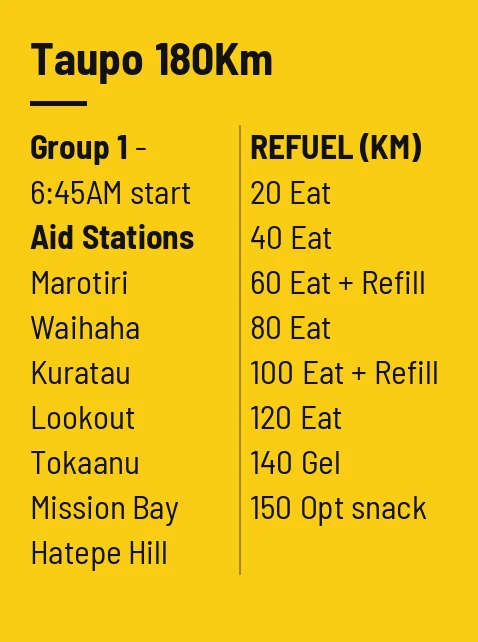
More things riders put on their Karoo
Get your first card free
Don't have the app yet? Get RideCards for your Karoo.